





{{ 'fb_in_app_browser_popup.desc' | translate }} {{ 'fb_in_app_browser_popup.copy_link' | translate }}
{{ 'in_app_browser_popup.desc' | translate }}
測試模板 05270508
請依照您購買的平台選擇:
iPhone 用戶請開啟「設定 > 相機」,將「微距控制」開啟。回到相機後,點擊左下角「小花圖示」將其關閉。
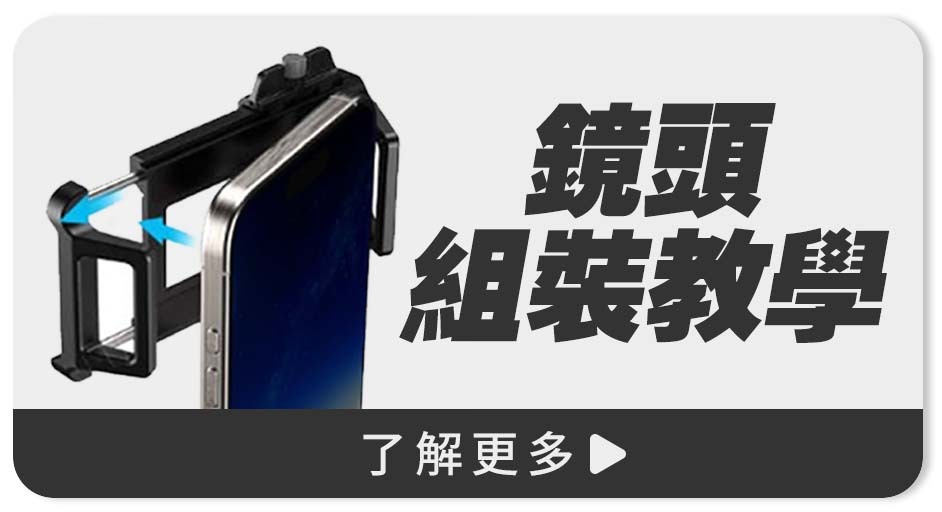
外接鏡頭必須對準手機的「主鏡頭」。
開啟相機 1X 畫面,並用手指逐一遮擋每顆鏡頭,螢幕全黑的那顆就是主鏡頭!
【普發金放大術🔥】1212全站瘋搶▶最高享$5888超狂回饋!
查看全部活動商品 >>

【桃園中壢】遇見未來 總公司


公司行號 育愛科技有限公司 | 統一編號 69563216
2026 © MEFU LTD. ALL RIGHTS RESERVED.


 線上客服
線上客服